Get paid and know your numbers
01
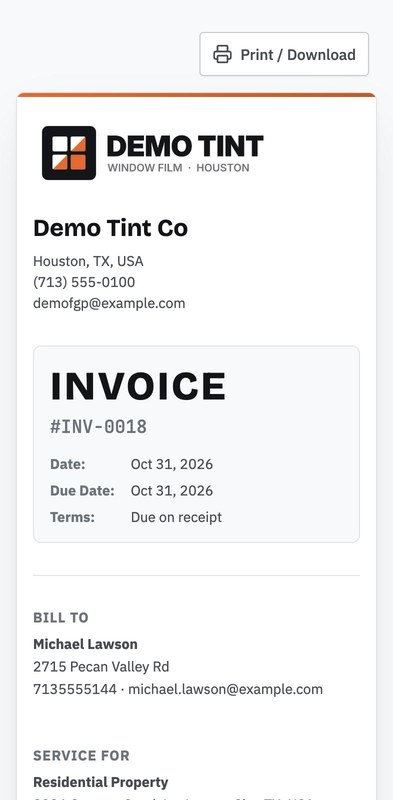
Invoice in one tap
Turn the accepted quote into an invoice with your terms. It syncs to QuickBooks Online.
02
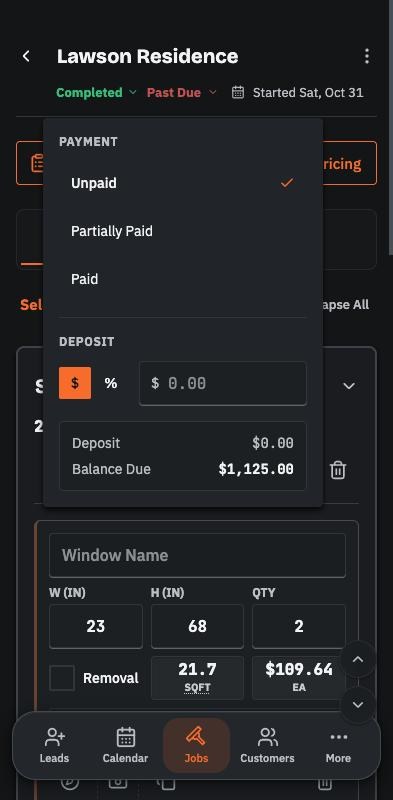
Know who's paid
Mark a job paid, partly paid or unpaid, and take a deposit up front.
03
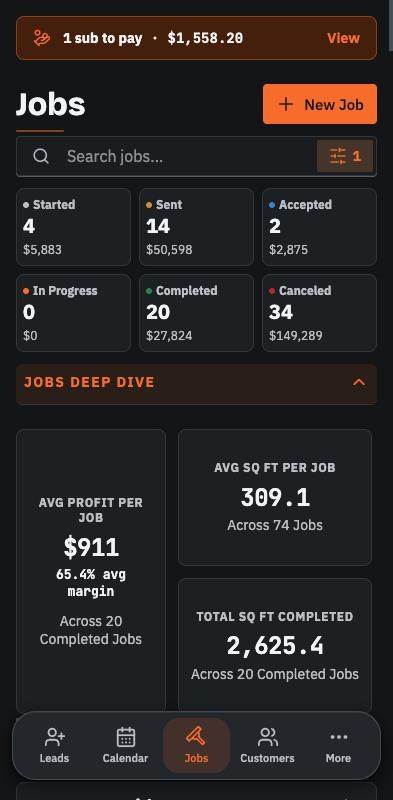
Know your numbers
Revenue at every stage, average profit per job and where your best jobs come from.
Also in Invoicing
- Review requestsAsk for a Google review when the job wraps up.
- Print or downloadEvery invoice as a PDF your customer can save.
- US and CanadaUS or Canadian dollars, with your own tax label.